ePOS SDK Overview
The Teya Unified SDK enables ePOS applications to integrate with Teya payment card machines on different frameworks using a plug-and-play approach. It removes the complexity of handling authentication, token refresh, and payment flow logic so that partners can focus on their business use cases.
What Is Poslink?
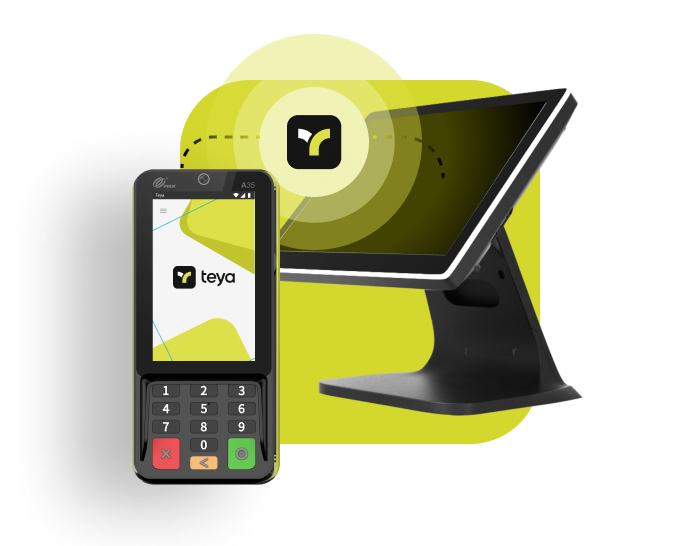
PosLink is a cloud-based integration where your ePOS application communicates with a Teya payment card machine over the cloud. The SDK manages authentication using OAuth 2.0, handles token refresh automatically, and provides prebuilt payment UI screens out of the box.
When to use Poslink?
Choose PosLink when your ePOS app runs on a tablet, PC, or Android device that is physically separate from the payment card machine. For example:
- A Windows-based POS system in a retail store that connects to a countertop card machine.
- An Android tablet POS app that pairs with a wireless Teya payment card machine.
Key Benefits
Managed Authentication
The SDK handles OAuth client authentication and token refresh automatically.
Prebuilt Payment UI
Includes ready-to-use payment screens for consistent UX without extra development.
Cross-Platform Support
Works on both Android and Windows, with iOS support planned.
Minimal Setup
Only requires configuring the Client ID and Client Secret obtained from the Teya Developer Portal and start development.
Get Started
The checklist below helps developers get started with PosLink integration quickly and correctly.
Integration Checklist
1. Get your credentials
See Setup & Authentication for how to access the Teya Developer Portal and create an OAuth application to obtain your Client ID and Client Secret.
- For production, use partner.teya.com to generate production credentials.
- Any portal with ".xyz" is directing to development environment only.
2. Obtain the Teya Payment App APK and Test Cards
- Download the Teya mock payment app APK
- The mock app includes built-in test cards that allow you to simulate various payment scenarios.
3. (Optional) Request a Teya Card Machine
- If you prefer, you can use the Teya app on any Android emulator for testing.
- Alternatively, you may request a physical Teya card machine from your Partnership Manager for real-device testing.
4. Start Development
After completing the above steps, you can begin development by integrating the SDK into your Android, iOS or Windows application using the provided guides and code samples.
Sample Apps
Complete sample applications demonstrating POSLink integration with the Teya Unified ePOS SDK, as reference implementations for learning and development: